A little planning goes a long way
Free tools for a better painting plan.
A clearer plan makes a better conversation with a painter. Work out quantities, compare quotes, try a color and prepare your home. Results are free; requesting a quote is your choice.
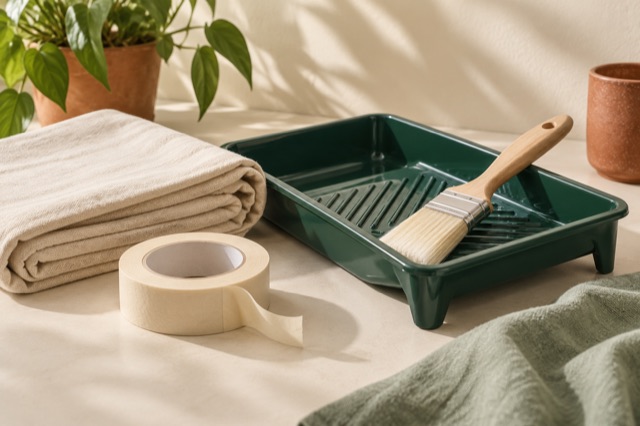
AI-generated still-life images illustrate these tools; they do not show our crew or completed projects.
- 01
Painting budget calculator
Turn a painter’s rate range into a budget you can understand. Use painted surface area and rates from written estimates, then add any costs those rates leave out.
- 02
Painting quote comparison
A lower total may leave out work you need. Compare the written scope, mark what is missing, and build a list of questions before you hire.
- 03
Painting project planner
Tell a painter what you want changed. Build a short, useful brief that names the surfaces, condition, timing and access for your project.

- 04
Paint color preview
See a color idea on your own room or home. Choose a photo, mark the surface, and try a color while keeping the original photo private.
- 05
Paint quantity calculator
Work out how many gallons your surfaces may need. Use room dimensions or enter a measured wall area, then check the coverage on the paint label.
- 06
Before-the-painter checklist
Know what to ask and what to arrange before a painter arrives. Get a checklist that fits your interior, exterior or cabinet project.
For homeowners in Temecula and beyond
These planning tools work without an account. If your project is in the Temecula area, you can choose to send a quote request from any tool page. Confirm location, availability and scope with the painter before hiring.
Your details stay in your hands
Tool inputs and photos stay in the current browser page. No photo is uploaded. Only a quote you choose to submit is saved for follow-up. Print results before closing the page.